October 2026 - Product Updates
AI Cost 💫
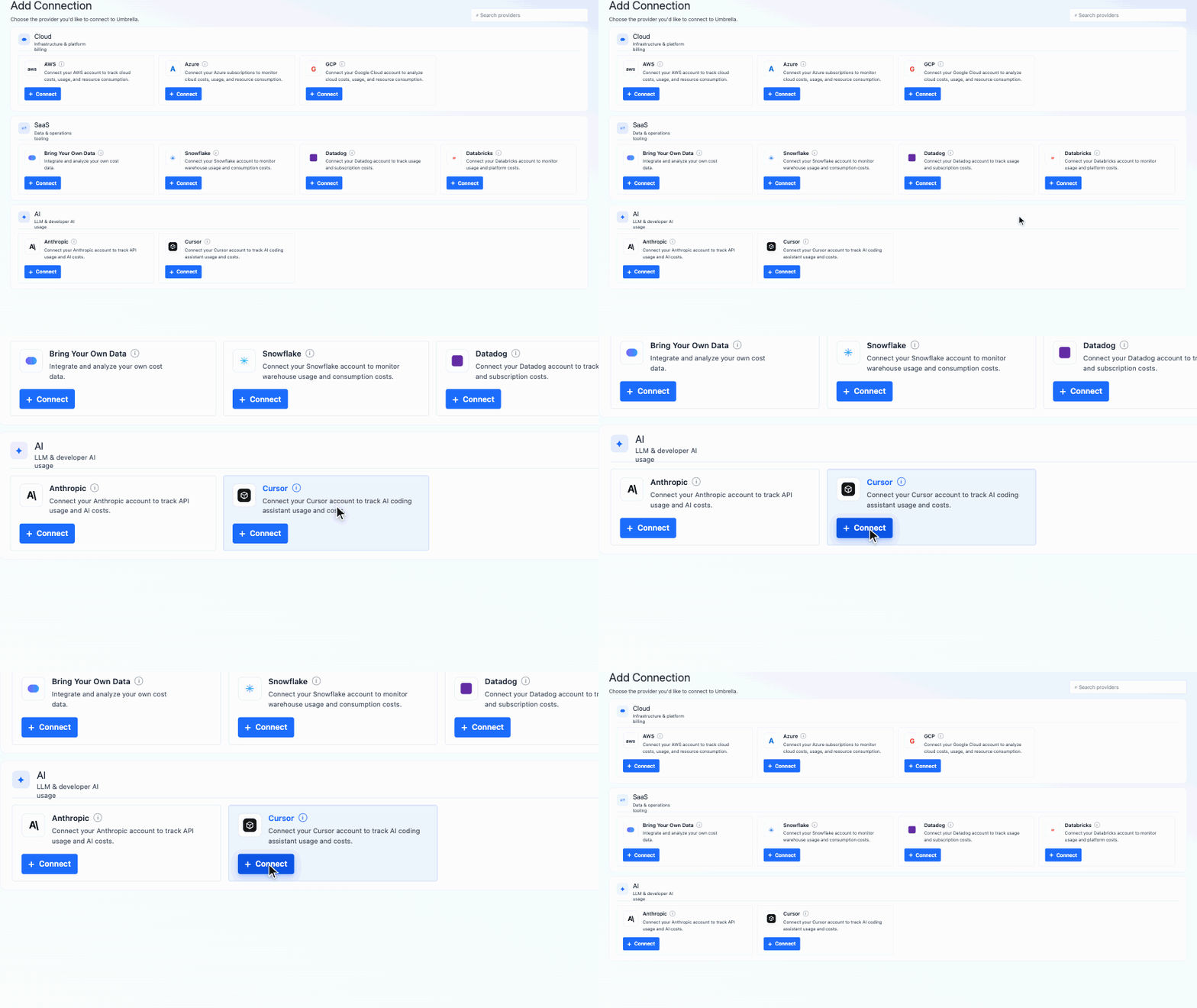
[AI Cost] Cursor Integration
You can now connect your Cursor Business or Enterprise account to track hourly per-seat usage by completion type, token type, and more, with a clear breakdown of monthly billing versus overages. Seat-based costs are converted into an effective per-token cost, making Cursor easy to compare with other AI providers. Cursor data is available across the AI section, including Cost Explorer, Tokenomics, AI Analytics, and more.
[AI Cost] User Tags
Get a clearer view of where AI costs are going by attributing spend to teams, products, or cost centers. Upload a CSV mapping users to one or more tags, then use them to filter and group AI cost views - making it easier to understand, compare, and manage AI spend across your organization
[AI Cost] Enrichment Tags
Gain more visibility into where AI spend is going by tagging linked accounts with dimensions such as Team, Product, or Cost Center. Use these tags to filter and group AI cost across your views - especially for AWS AI services like Bedrock- and combine them with User Tags to understand spend by both account and individual.
[AI Cost] AI Analytics New Pages
-
User Trends
Get a high-level view of how AI adoption is evolving across your organization. Track user growth across providers and services, monitor budgets, and understand which AI products are gaining traction.
-
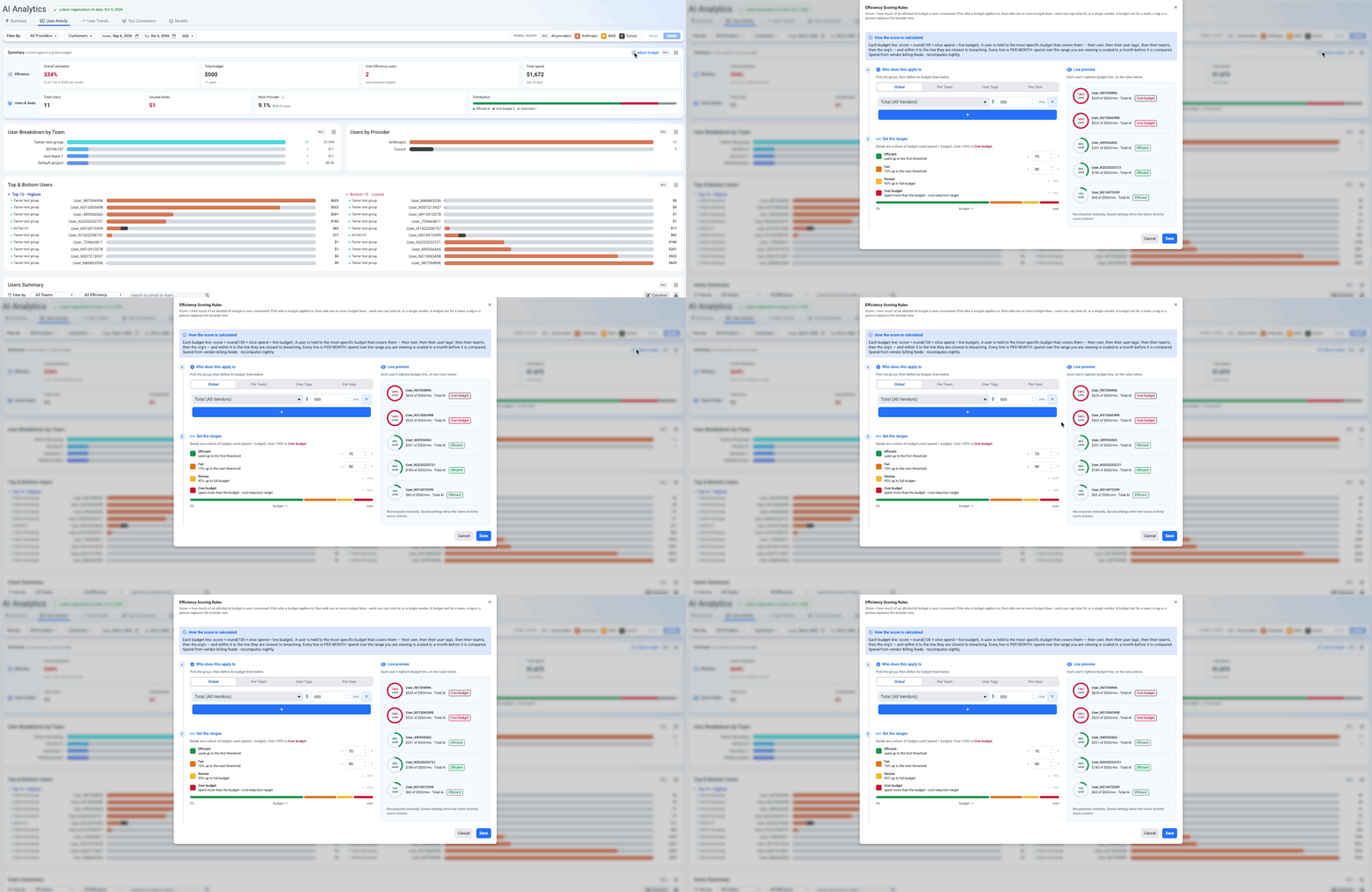
User Activity
Understand how effectively your AI seats are being used. See total users and orphaned seats, identify your top users and teams, and dive into individual usage to understand who is using which AI tools and how much. Define budgets globally or at the team, user, or tag level, and track utilization against those budgets across your AI Analytics dashboards.
[AI Cost] AI KPI Builder
The KPI Builder now includes an AI section, letting you create custom unit-economics KPIs using AI dimensions and measures such as tokens, requests, and users. Bring these KPIs into AI Cost Explorer to track your key business metrics over time and understand how AI spend is evolving alongside business performance.
[AI Cost] Public API for AI Cost Explorer
We’ve added a new Public API for accessing AI Cost Explorer data programmatically. Retrieve the same AI cost and usage data available in Cost Explorer and integrate it into your own workflows, reporting, and analysis
[AI Cost] Expanded AWS Filters & Bedrock Dimensions
AI Cost Explorer and Business Mapping now support standard AWS filters, including Cost Type, Service, Charge Type, Operation, Purchase Option, Instance Type, Usage Type, Resource, Legal Entity, Tags, Enrichment Tags, and Virtual Tags. We’ve also added three new Bedrock dimensions- Invocation Type, Profile, and Application, to both AI Cost Explorer and AWS Cost Explorer, giving you more flexibility to analyze and map AWS AI spend.
Add Panels Within a Dashboard
Build dashboards faster by adding panels without leaving the dashboard. Browse My Panels, Org Panels, and Umbrella Panels, or add widgets such as Table, Text, Number, Image, Link, and Divider - all from one place.
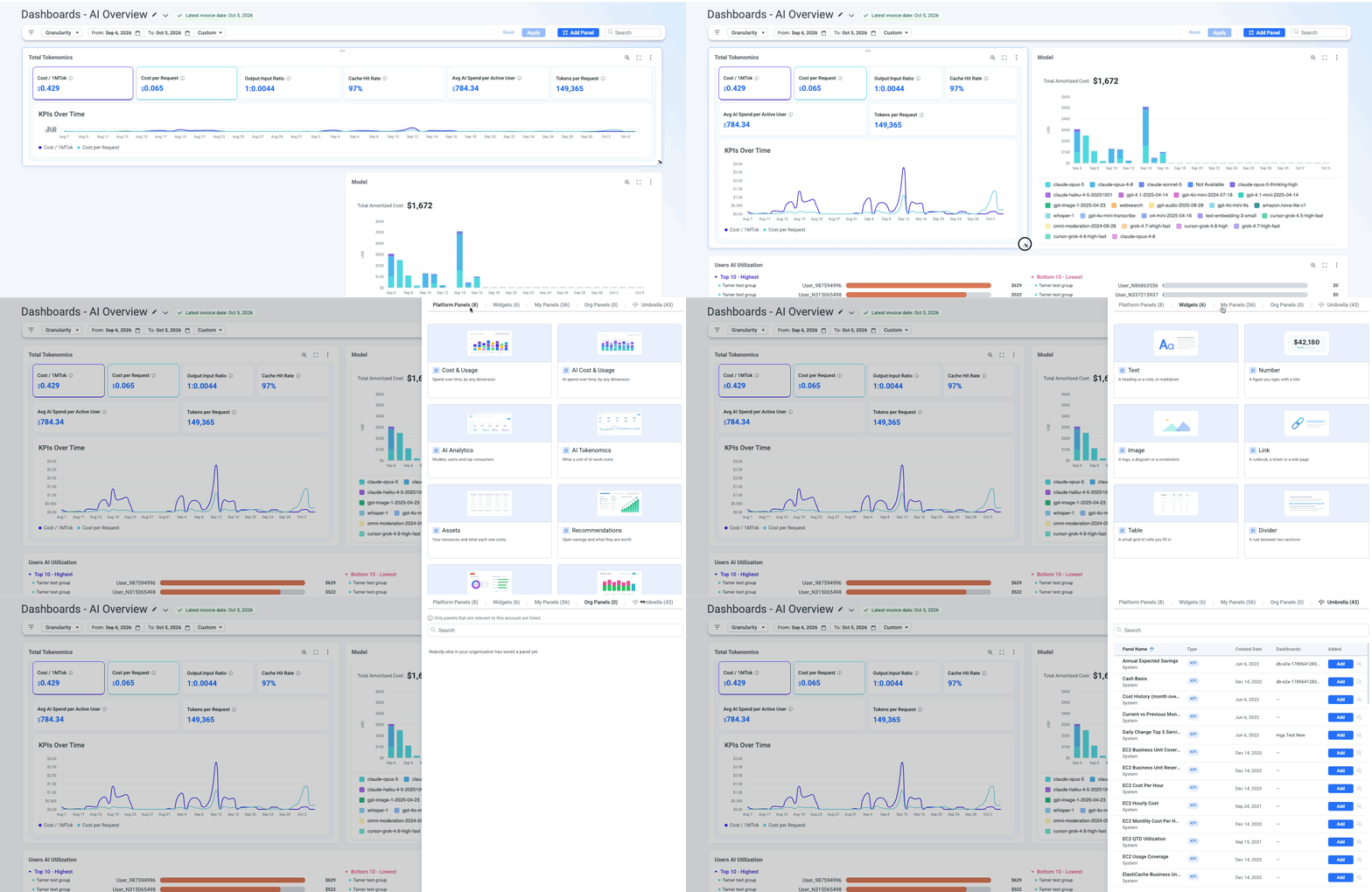
Dynamic panels
Customize your dashboards with flexible panel sizing and drag-and-drop positioning, making it easier to organize information and create the view that works best for you.
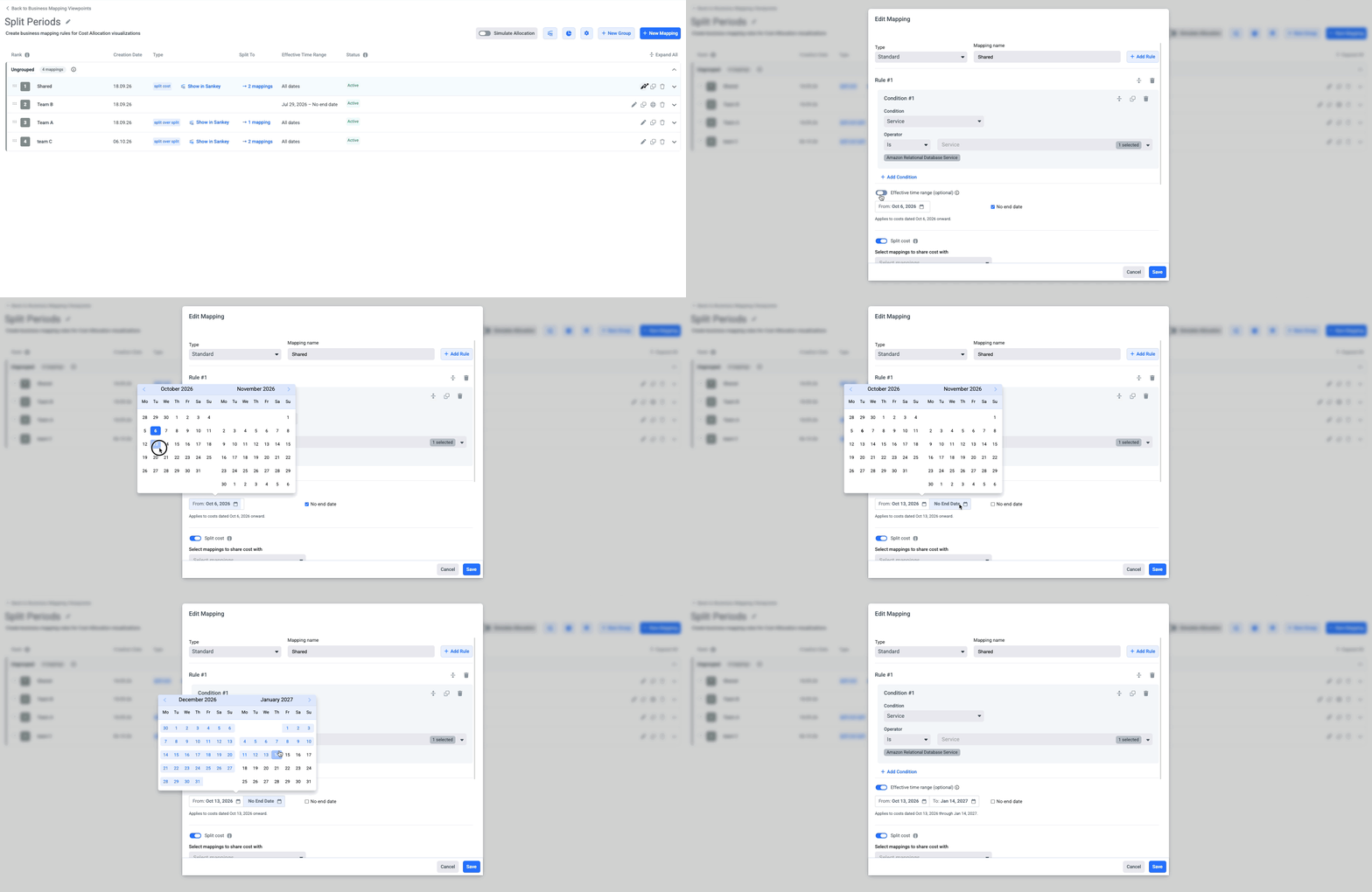
Start and End Dates for Mappings
Mappings can now include optional start and end dates, giving you more control over when costs are allocated to a business view. This is especially useful for temporary initiatives such as projects, migrations, or reorganizations, ensuring your business views reflect the right cost allocation and activity over time.