
Data Access-Add/Remove Accounts
Users with Organization Managementor Roles edit/create permissions can create roles and assign accounts to them as part of data access permissions.
Account Assignment Methods

There are few ways to add accounts depended on the nature of the role and relation to the users:
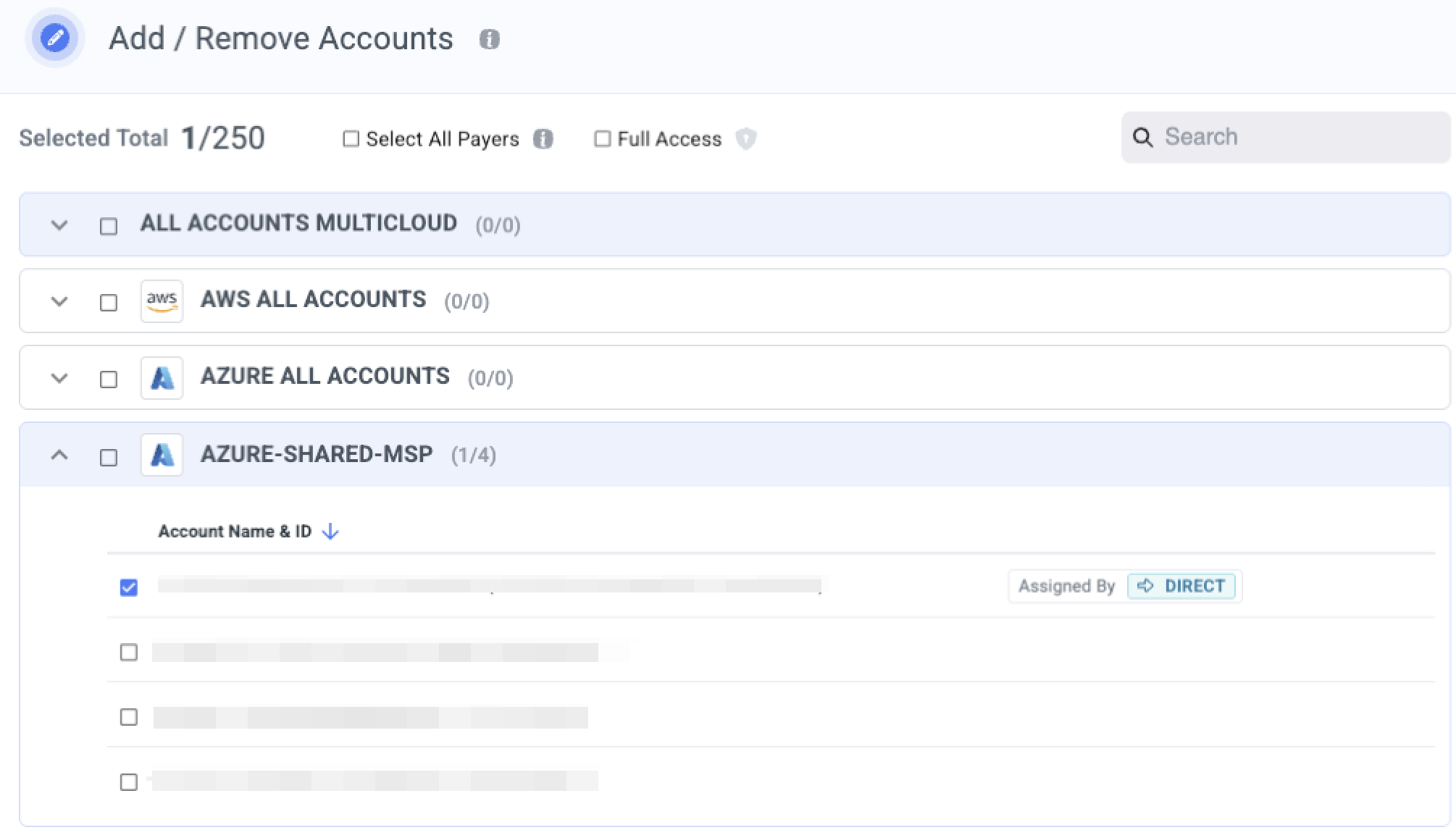
1. Select specific linked accounts
Add selective accounts to a role.
NotesIn case you search for account values you can use the 'Select All Filtered Linked Account' to select all filtered values.

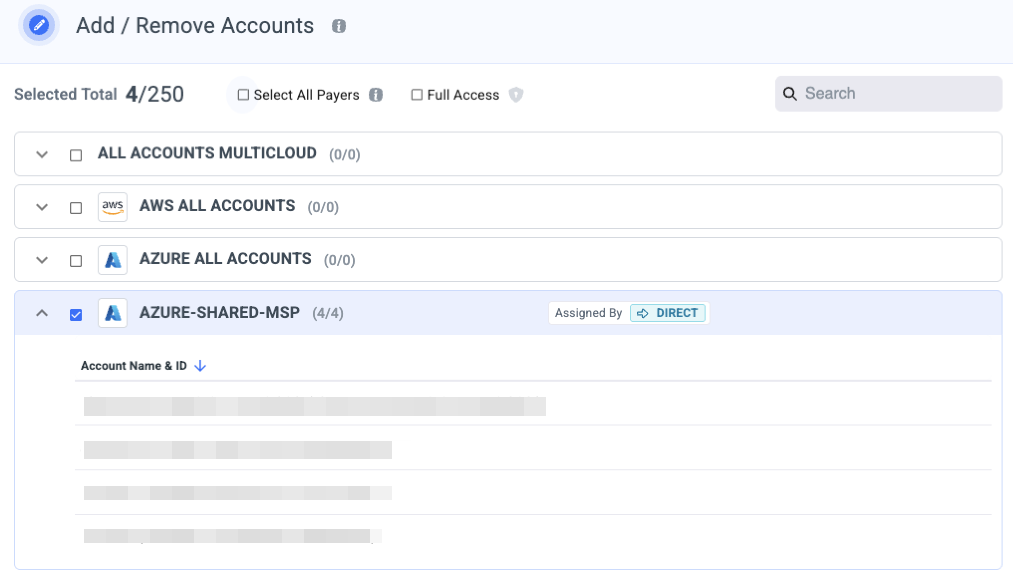
2. Select an entire payer account
Add an entire payer account-this will automatically include all linked accounts which available now and these that will be added later to the role.
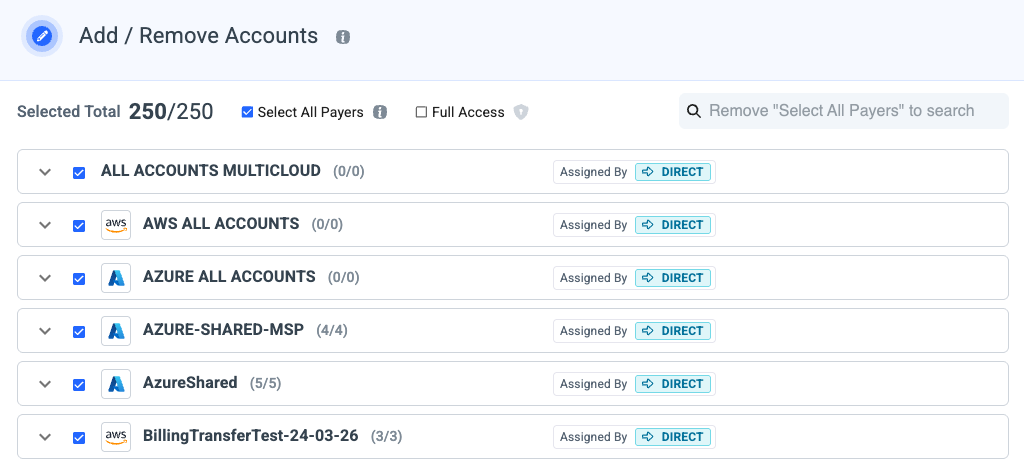
3. Select All Payers
Check the Select All Payers box to provide access to any of your linked accounts, available now or added later across all your payer accounts.
Notes
- Make sure you only give this permission to the people that need such complete access.
- Once you search for account value this option is disabled
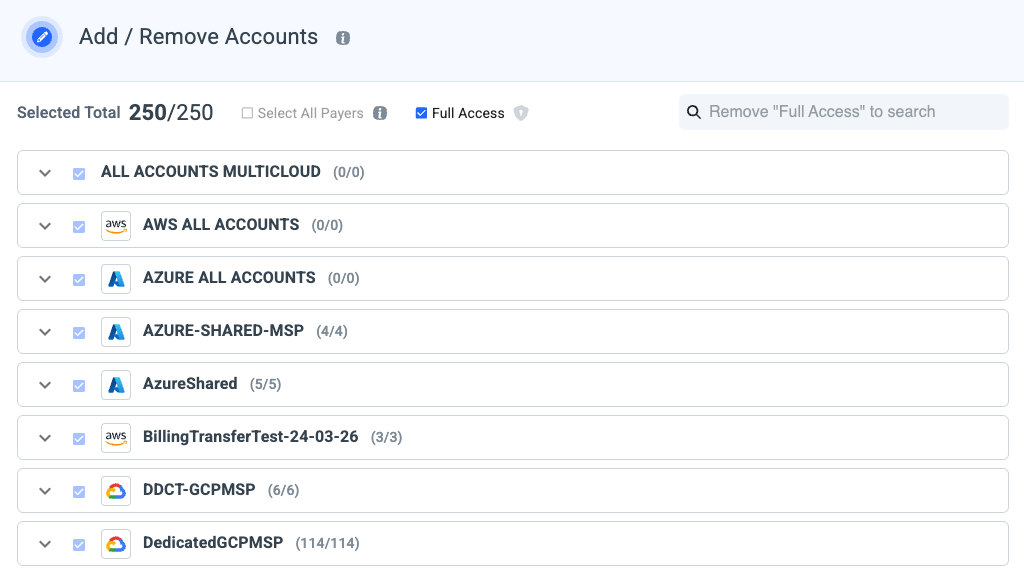
4. Full Access
Check the full access box to provide access to any of your payer accounts, available now or onboarded later and all linked accounts which available now and these that will be added later to the role.
Notes
- Make sure you only give this permission to the people that need such complete access.
- Once you search for account value this option is disabled.
Search Accounts
Search for accounts and select them individually, or use “Select all filtered accounts” to include all matching results at once.

Updated 6 months ago