
Unit Economics Overview
Shared Resources and Business Cost Visibility
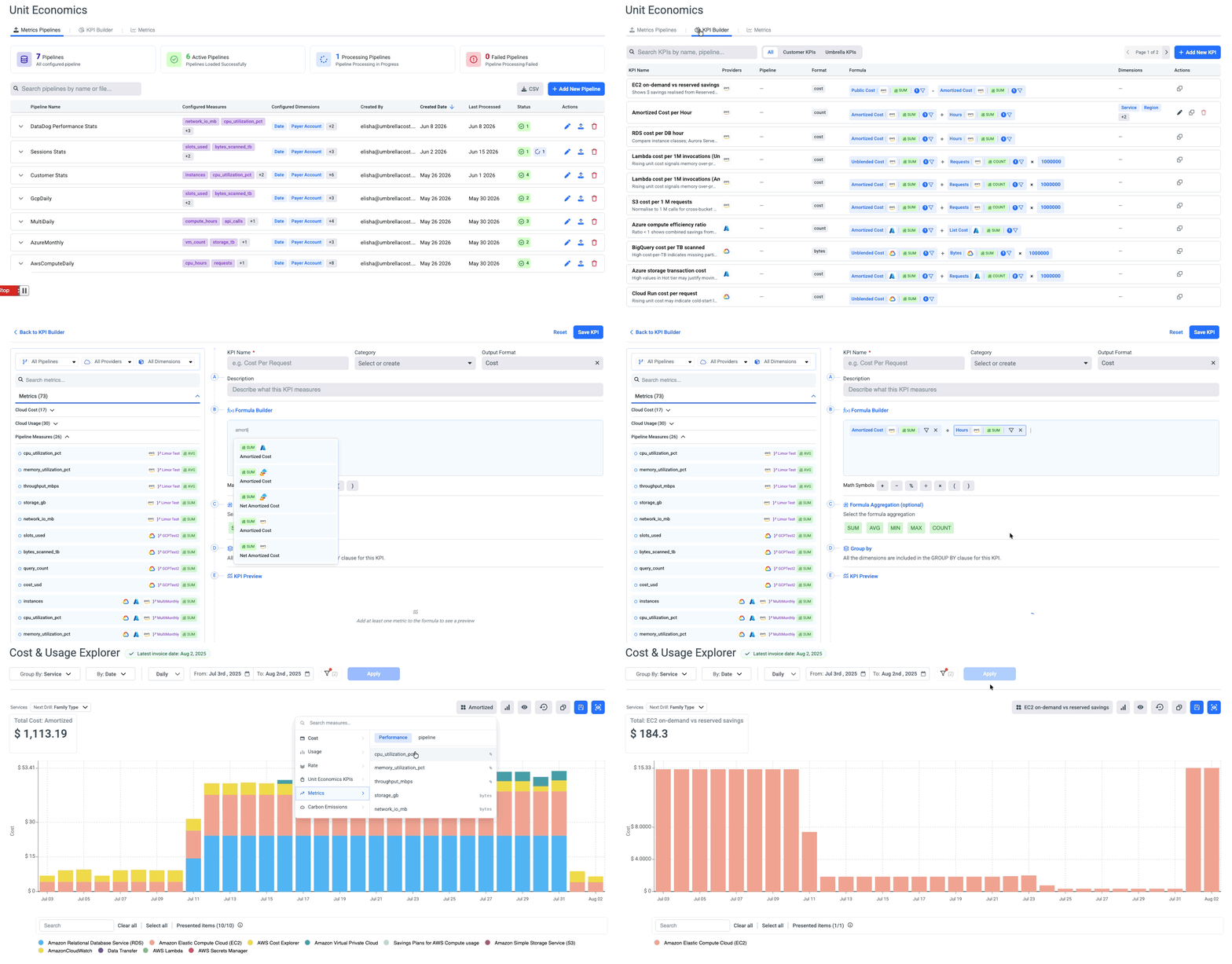
Unit Economics connects your business and usage telemetry - active users, API requests, transactions, CPU, memory, and more - to your cloud cost data, so you can answer questions like "what does it cost to serve one customer?" or "what's our cost per 1M API requests?"
Connect your telemetry pipeline to stream the usage and business metrics that power unit cost.
Use KPI Builder to turn raw metrics into the denominators that matter - cost per customer, per transaction, per request.
Break down unit cost in Cost and Usage Explorer and Assets to find what drives spend and where it trends.
Map cost to teams, products, and customers with Business Mapping for accurate showback and chargeback.
Where to find it
The Unit Economic section is an account-agnostic capability that consolidates data from all cloud accounts, All Accounts, and Multi-Cloud into a single view. The same unified data is displayed regardless of which account you access it from.
Open Unit Economics from the left navigation.
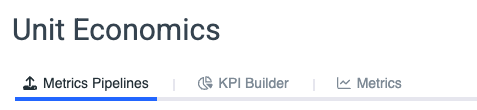
The page has three tabs: Metrics Pipelines, KPI Builder, and Metrics.
Availability
- Unit Economics is available in UM2.0 only.
- The Telemetry loader and KPI Builder are available in Each Account, All Accounts or Multi-Cloud
- Telemetry is loaded per account and from each account.
- Telemetry-derived measures and KPIs remain visible in CUE/Assets at the account specified in the telemetry data, as well as at the All Accounts and Multi-Cloud levels.
How it works
You move from raw telemetry to insight in three steps:
| Step | What you do | Where |
|---|---|---|
| 1. Bring in telemetry | Upload measures + dimensions by on time CSV load and periodical API load | Telemetry Pipeline Creation |
| 2. Define a KPI | Combine cost with a usage or business measure | KPI Builder |
| 3. Analyze | Chart it, or split shared cost by real usage | Analyze in CUE & Assets |
| 4. Allocate | Allocate and split the cost based on telemetry/Unit Economics KPI | Allocate Cost |
In this section
- Onboard a Telemetry Pipeline
- Build a Unit Economics KPI
- Analyze Unit Economics in CUE & Assets
- Allocate Shared Cost with Unit Economics
- Unit Economics Permissions
Updated 2 months ago