
Snowflake
Overview
The integration between Snowflake and Umbrella provides comprehensive visibility into Snowflake consumption, cost trends, and cost allocation across organizations, teams, and workloads.
By ingesting Snowflake billing and usage data into Umbrella, organizations can monitor compute, storage, and data transfer costs, identify optimization opportunities, track unit economics, and improve financial accountability.
Key Capabilities
- Cost & Usage explorer
- Centralized dashboards & reporting
- Budget Planning
- Budget Forecasting
- Chargeback/Showback capabilities
- Business Mapping Cost Allocation
Onboarding Steps
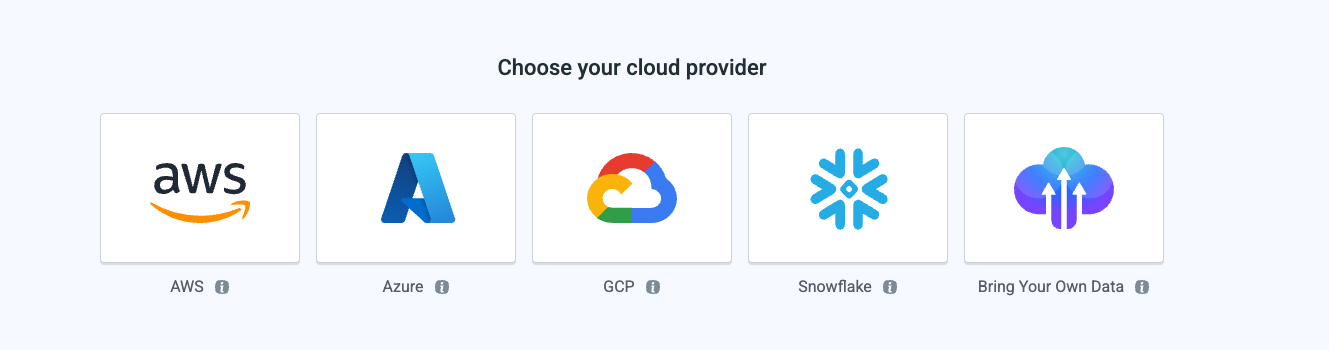
From the Cloud Accounts tab, choose Snowflake to start the onboarding wizard.
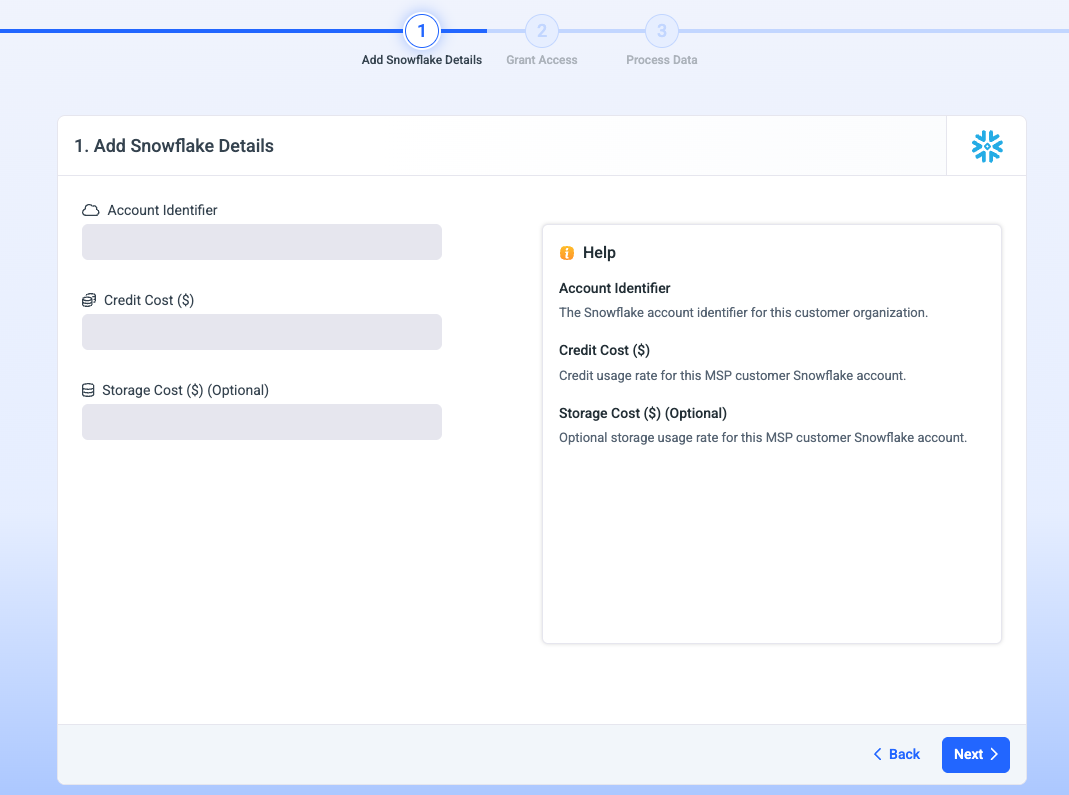
1. Add Snowflake detailes
- Set Account Identifier: The Snowflake account identifier for this customer organization.
-
Set Credit Cost ($): The monetary value of a single Snowflake credit based on your organization’s Snowflake contract or pricing agreement.
-
Set Storage Cost ($) This field is optional: The monetary cost of storing 1 TB of data in Snowflake based on your organization’s pricing agreement and cloud region.
This value is used by Umbrella to estimate Snowflake storage expenses and provide more accurate visibility into total platform costs.
If no value is provided:
- Umbrella will still ingest and analyze Snowflake usage data.
- Compute and credit-based costs will continue to function normally.
- Storage-related cost calculations and reports may appear as 0, estimated, or unavailable depending on the feature and dataset available.
2. Grant Access-Snowflake Permissions Setup
Before connecting your Snowflake account to Umbrella, run the provided SQL script in your Snowflake environment. This provisions a dedicated role, service user, and warehouse scoped to the minimum permissions required for cost monitoring - no access to your data or workloads.
What the script provisions
A dedicated Umbrella role with read-only access to account usage and cost metadata A service user that Umbrella will use to authenticate An X-Small warehouse configured to auto-suspend after 60 seconds of inactivity, keeping the cost footprint of monitoring itself negligible
Permissions Setup Steps
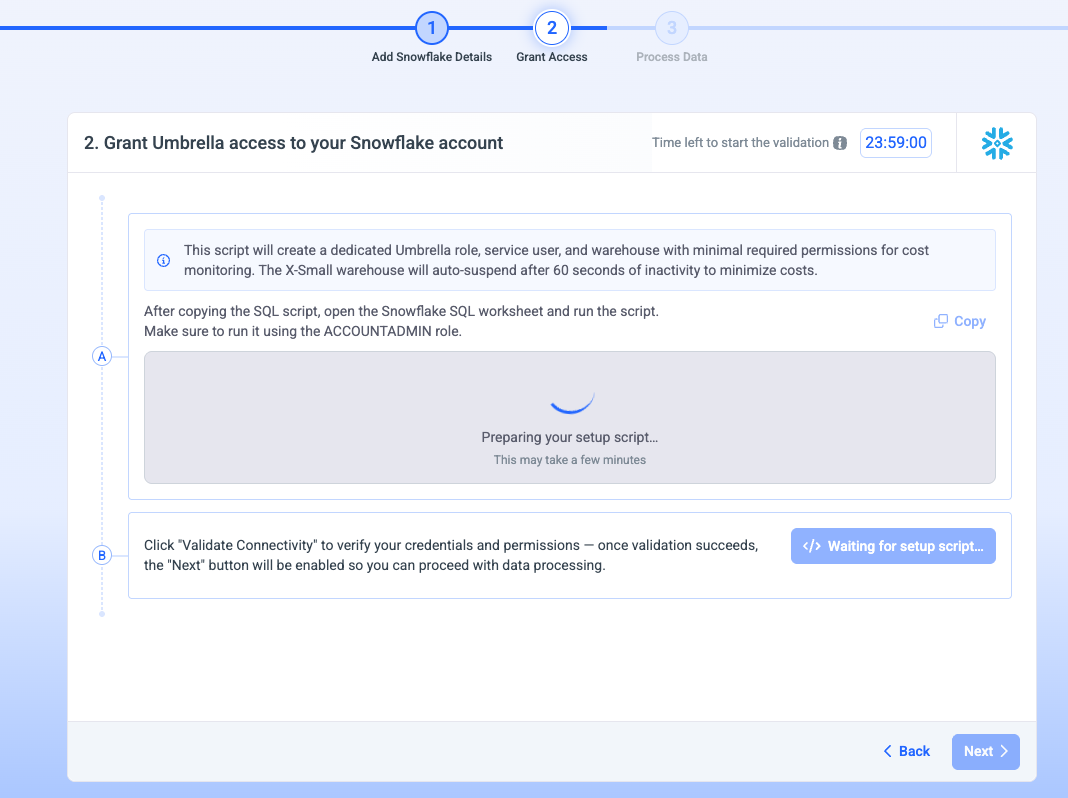
Step 1: Umbrella is preparing the Script
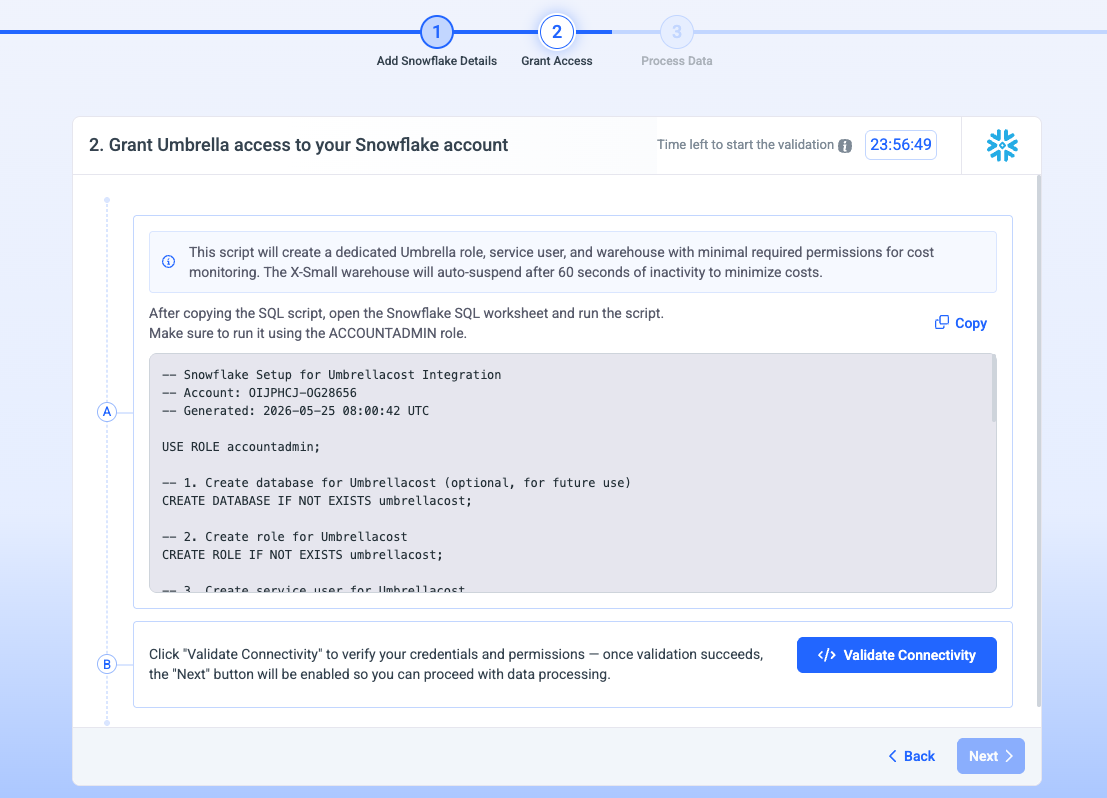
Step 1: The script is available to be copied and used in Snowflake
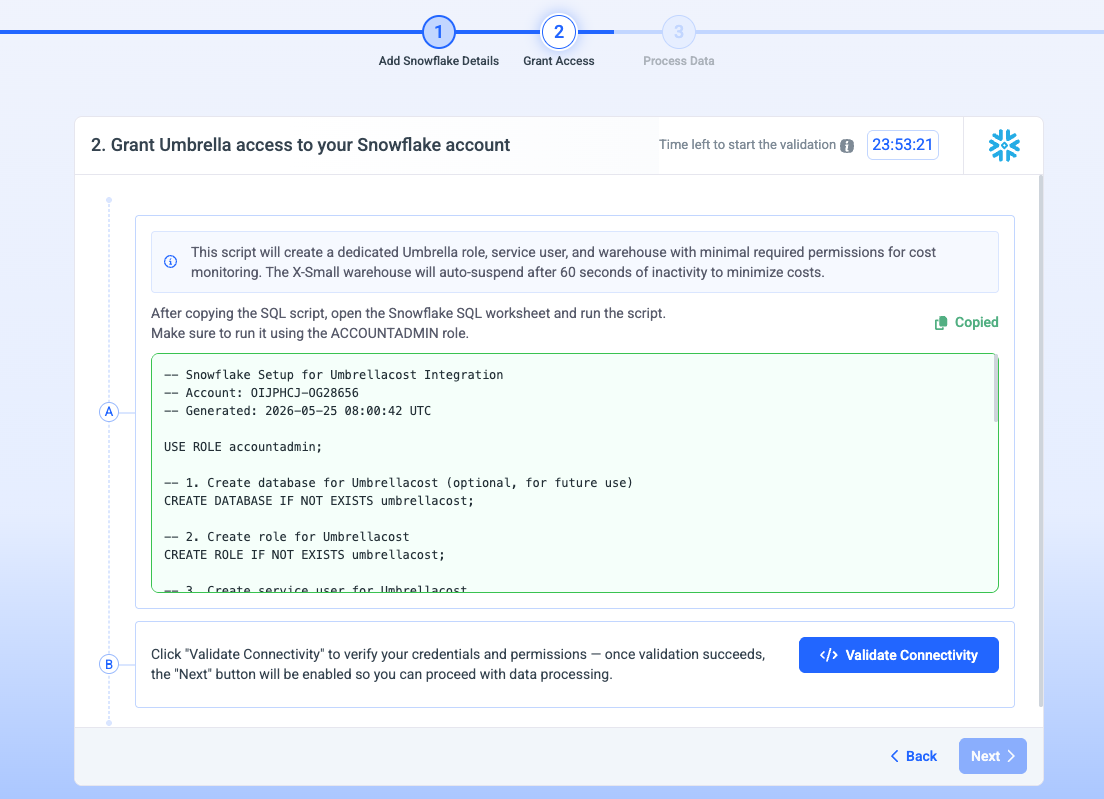
Step 2: The green indication after copying the script
How to run it in Snowflake
- Copy the SQL script.
- Open a Snowflake Projects-> Workspace.
- Switch your active role to ACCOUNTADMIN - the script requires account-level privileges to create the role, user, and warehouse, and to grant access to SNOWFLAKE.ACCOUNT_USAGE.
- Paste and run the script and look for successful completion.
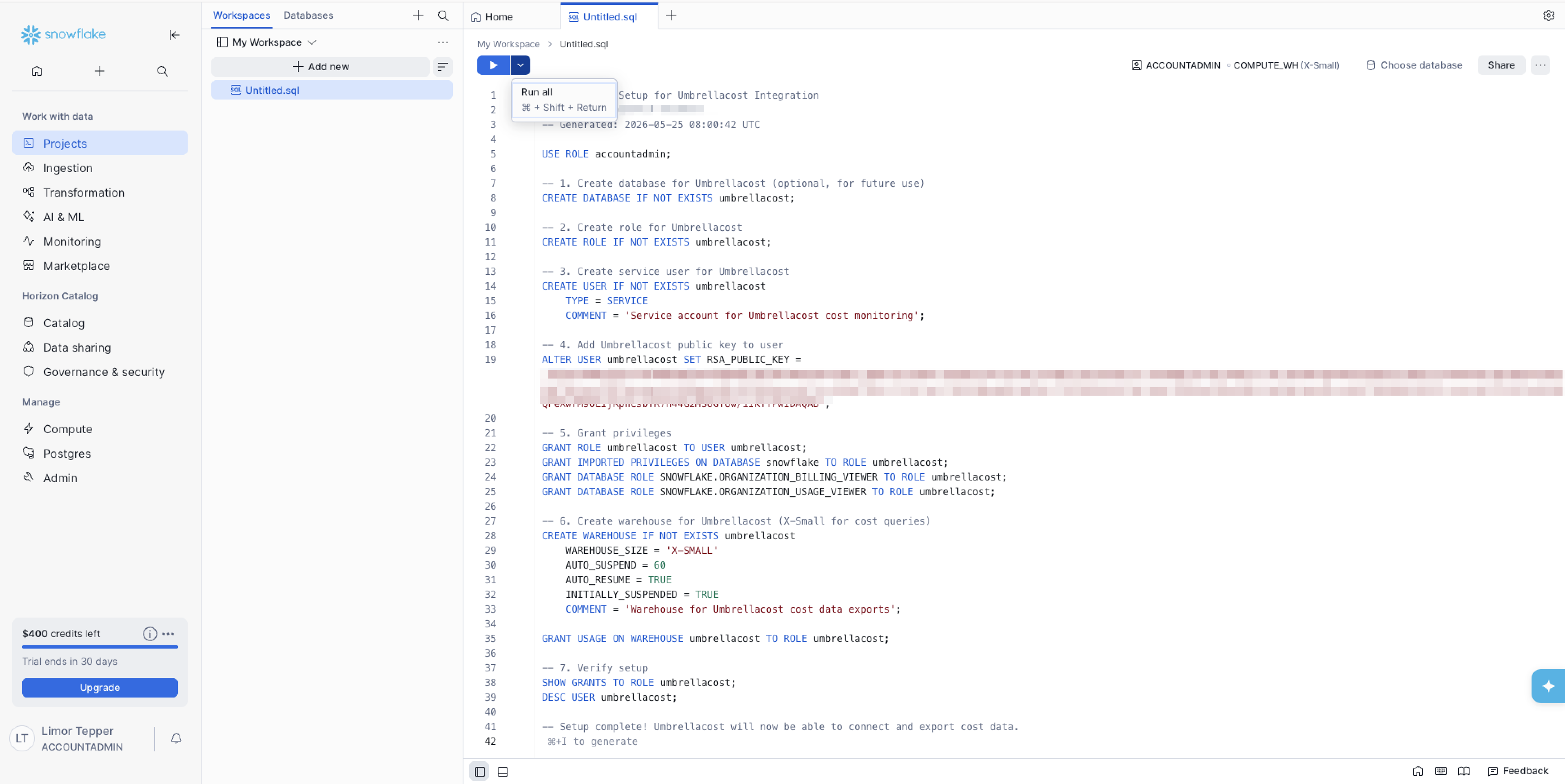
Step 3: Run the script in Snowflake workspace
Note:The script must be run by a user with the ACCOUNTADMIN role. Running it under a lesser role will cause the grant statements to fail silently or partially, leaving the integration in an incomplete state.
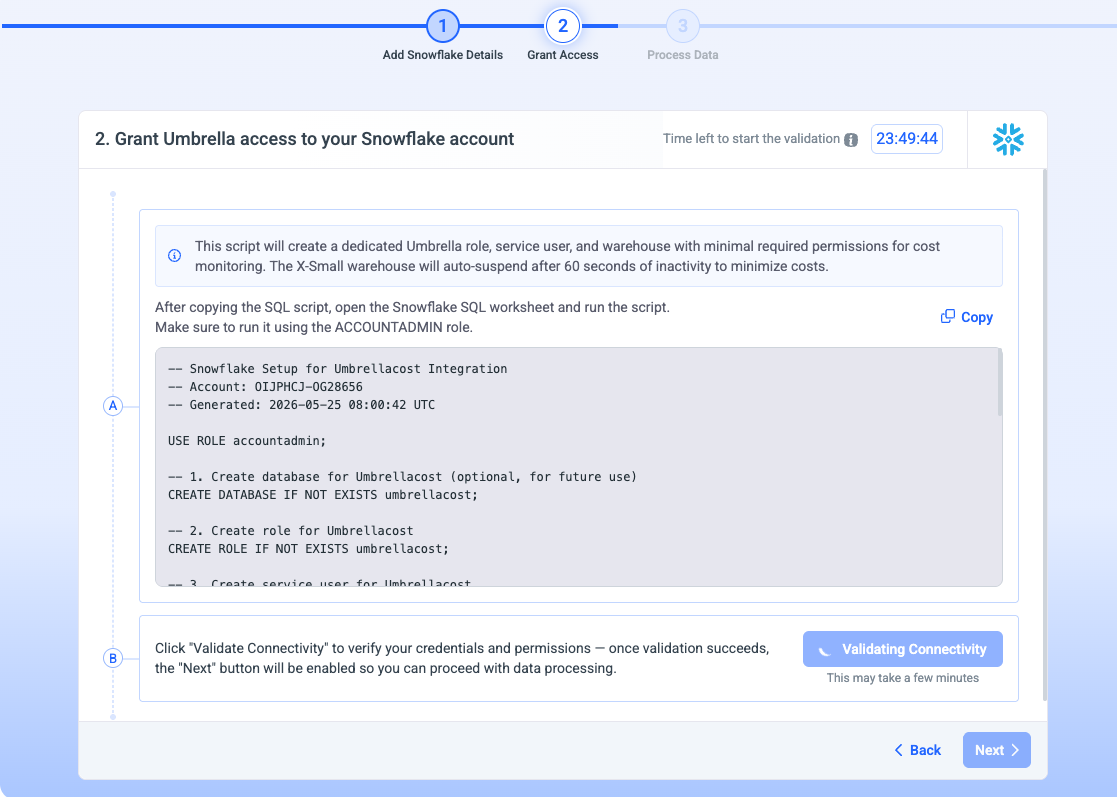
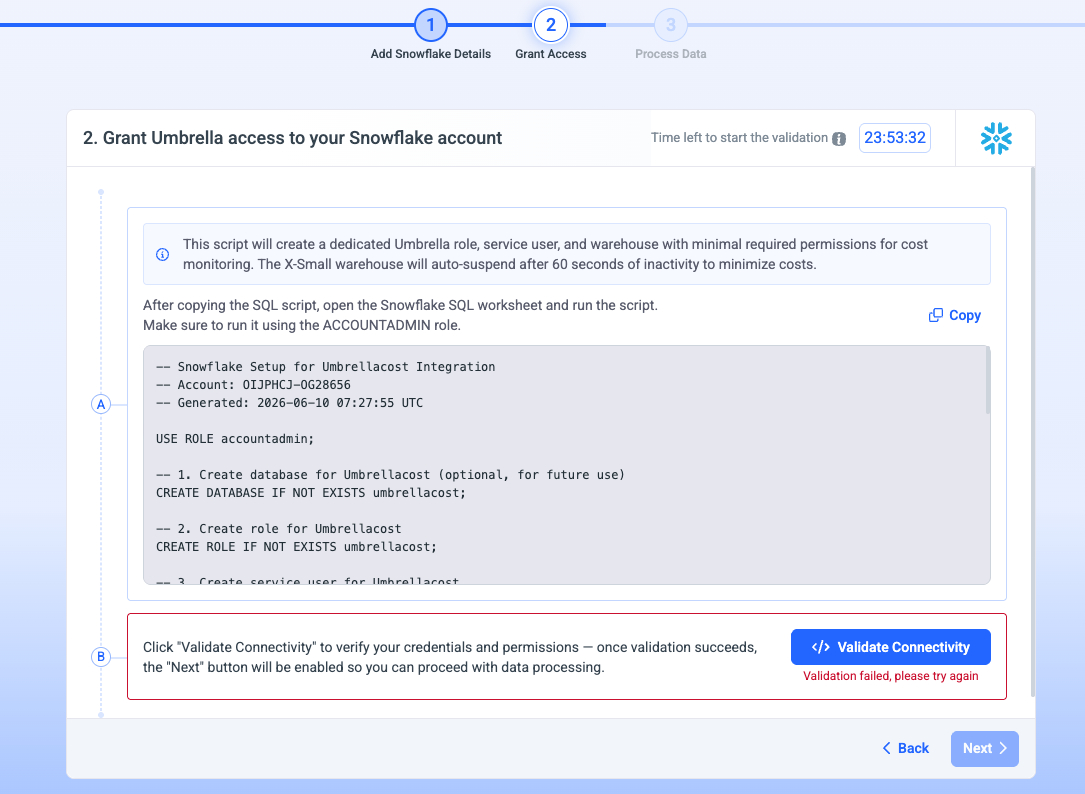
Step 4: Click 'Validate connectivity'
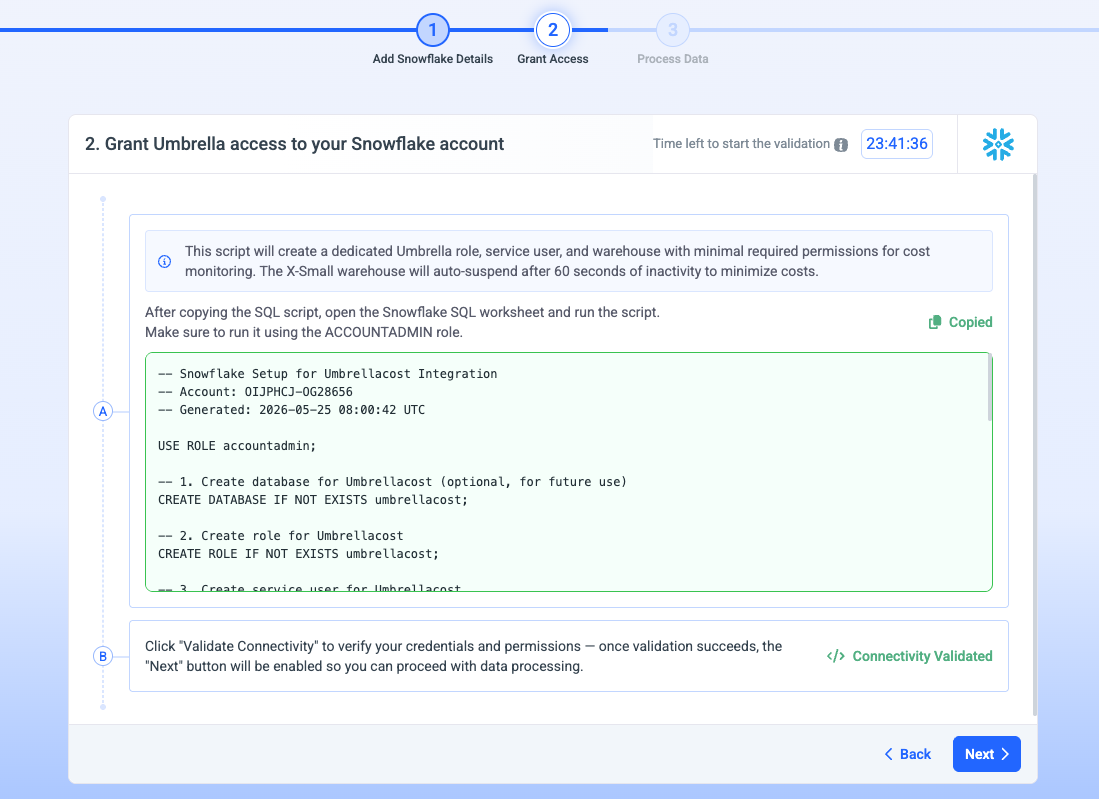
Step 5: Look for successful connectivity validation
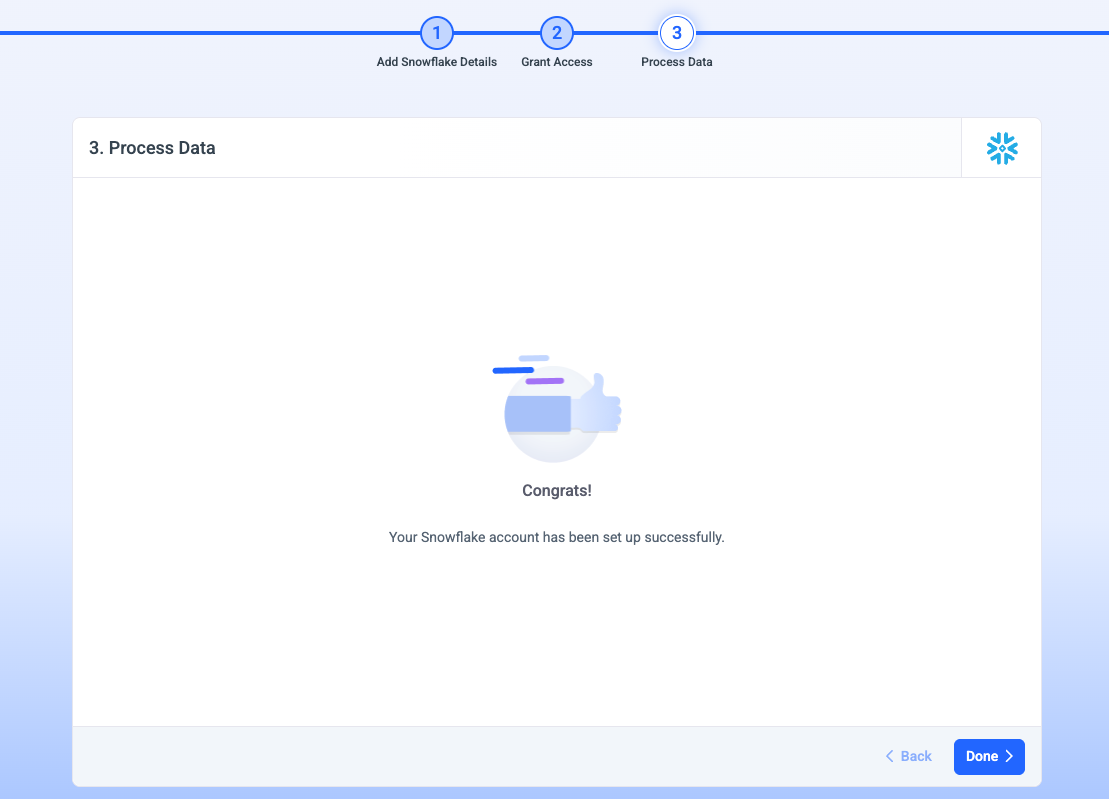
Step 6: Click on 'Done' so umbrella will start the data processing
Permission Script Example
-- Snowflake Setup for Umbrellacost Integration
-- Account: XYZ
-- Generated: 2026-05-25 10:12:56 UTC
USE ROLE accountadmin;
-- 1. Create database for Umbrellacost (optional, for future use) CREATE DATABASE IF NOT EXISTS umbrellacost;
-- 2. Create role for Umbrellacost CREATE ROLE IF NOT EXISTS umbrellacost;
-- 3. Create service user for Umbrellacost CREATE USER IF NOT EXISTS umbrellacost TYPE = SERVICE COMMENT = 'Service account for Umbrellacost cost monitoring';
-- 4. Add Umbrellacost public key to user ALTER USER umbrellacost SET RSA_PUBLIC_KEY = 'MIIBIjANBgkqhkiG9w0BAQEFAAOCAQ8AMIIBCgKCAQEAncWOgvj2v8ZDDEgV/x4V4q3oOp8QHjWOiTnJK6bcA8pQSLlaYyWxV3jR7qjkozqt7linUyiIhtUCWElwzQBbTVePZEIbAdeZ4hdcJyQihHZM3jK/TdvRxoq4leMn8HbXNW9DgK9xXrCCS6xeIP+xwXDS//4Jtj4EIUgYoxbx3o3rayQiQ5vOIHccFxwZxMIda5/bZ2bbR6yizvOJFIuh8EmcCxszsed1zdmYYL9cwOWXt4gS4AHQhKRdnd8Sm1UK65WsGzObH5Mzb+zxfwa4oOtTok2ET9TLRmUZ2JtU2SKE1gwNBm1Ss/ir+kga+u/yyZ3PSNCSO3PdDyb64Bbz1wIDAQAB';
-- 5. Grant privileges GRANT ROLE umbrellacost TO USER umbrellacost; GRANT IMPORTED PRIVILEGES ON DATABASE snowflake TO ROLE umbrellacost; GRANT DATABASE ROLE SNOWFLAKE.ORGANIZATION_BILLING_VIEWER TO ROLE umbrellacost; GRANT DATABASE ROLE SNOWFLAKE.ORGANIZATION_USAGE_VIEWER TO ROLE umbrellacost;
-- 6. Create warehouse for Umbrellacost (X-Small for cost queries) CREATE WAREHOUSE IF NOT EXISTS umbrellacost WAREHOUSE_SIZE = 'X-SMALL' AUTO_SUSPEND = 60 AUTO_RESUME = TRUE INITIALLY_SUSPENDED = TRUE COMMENT = 'Warehouse for Umbrellacost cost data exports';
GRANT USAGE ON WAREHOUSE umbrellacost TO ROLE umbrellacost;
-- 7. Verify setup SHOW GRANTS TO ROLE umbrellacost; DESC USER umbrellacost;
-- Setup complete! Umbrellacost will now be able to connect and export cost data.
Account Setting
- Go to Organization-> Accounts
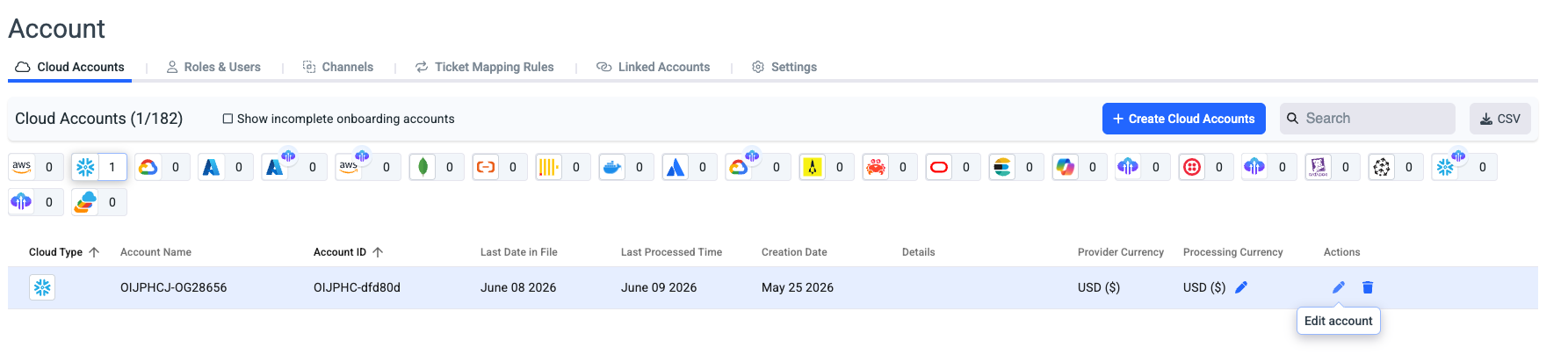
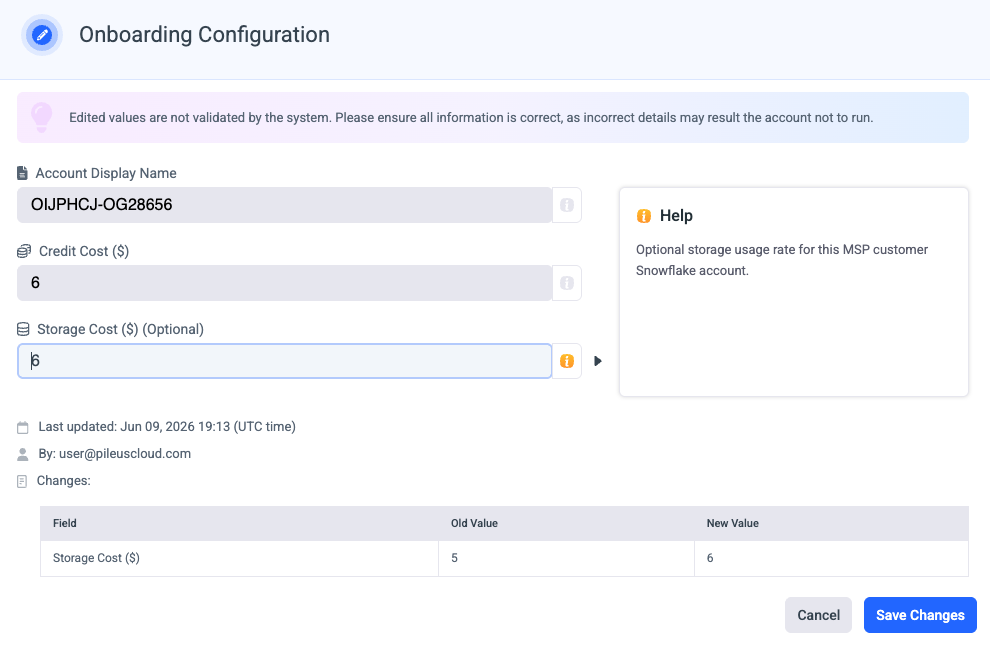
- Click Edit on the desired Snowflake account
- Edit the name/Credit Cost/ Storage Cost.
Troubleshooting
- Validation will fail in case the permission script wasn't executed in Snowflake.
Updated 2 months ago