
Analyze in CUE & Assets
Once telemetry metrics and KPIs exist, they appear alongside cost in your analysis tools. You can confirm what loaded on the Metrics tab, then chart it in CUE or pull it into an Assets report.
Umbrella’s out-of-the-box KPIs are available in CUE and Assets under Unit Economics KPIs, even before you inject telemetry metrics.
Unit Economics In Cost & Usage Explorer (CUE)
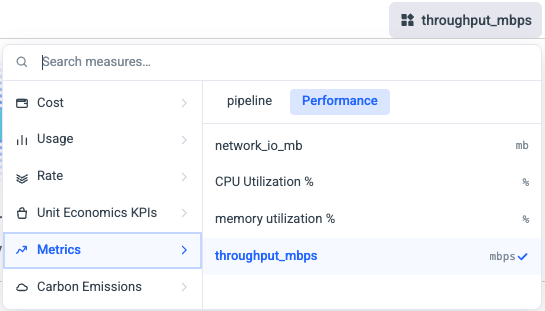
In CUE, open the measure picker and choose from Metrics (your ingested telemetry) or Unit Economics KPIs (your composed KPIs). You can chart cost and a unit-economics measure together on the same view.
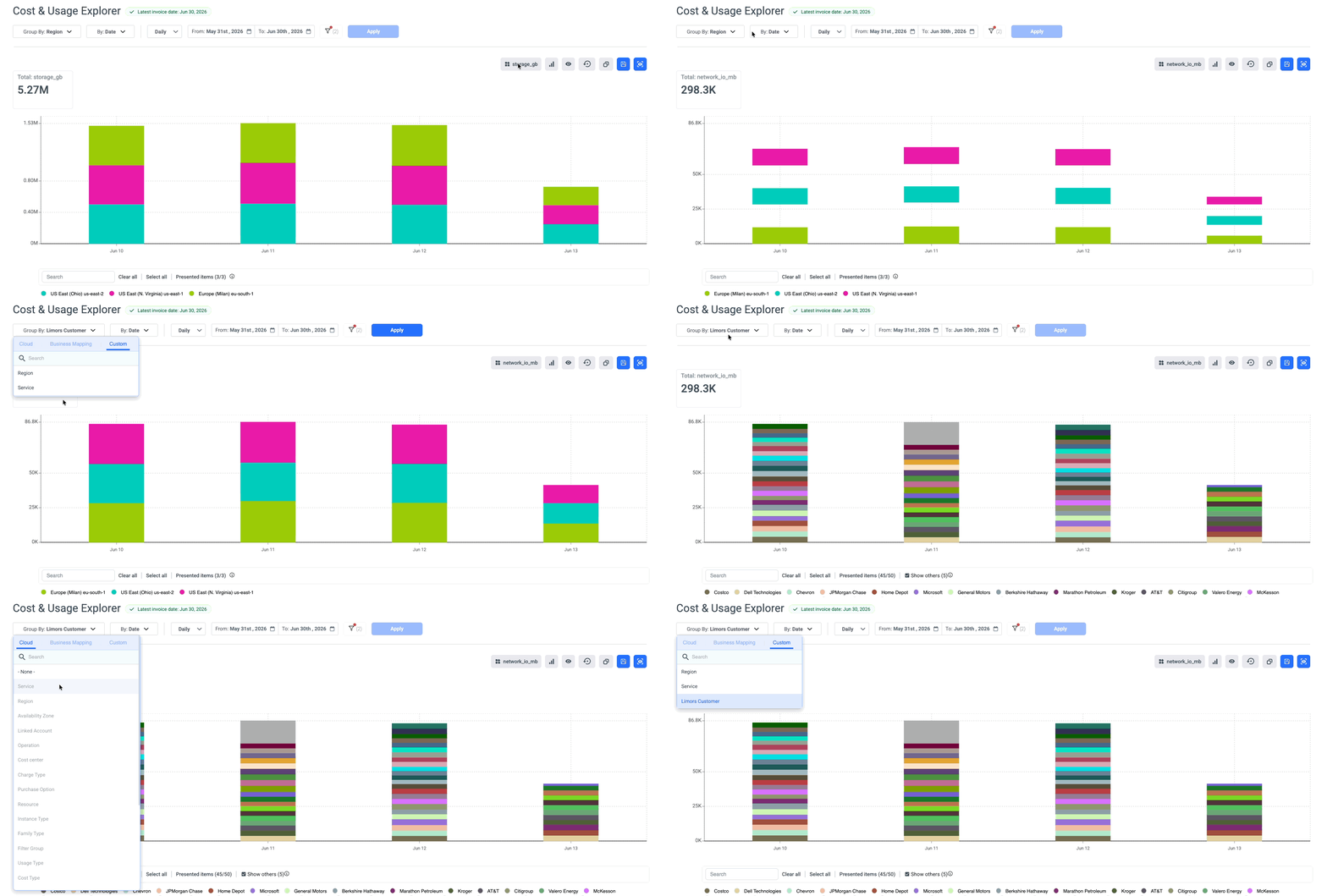
Dimensions & Filters auto-select
- Filters: When you pick a unit economics metrics or KPI that has specific dimensions, CUE selects those dimensions values in the filters for you under the hood. Your existing group-by stays as it is.
- Dimensions: When you select a Unit Economics metric or KPI with specific dimensions, CUE displays only the dimensions associated with it behind the scenes. Your current Group By selection remains unchanged.
Unit Economics In Assets
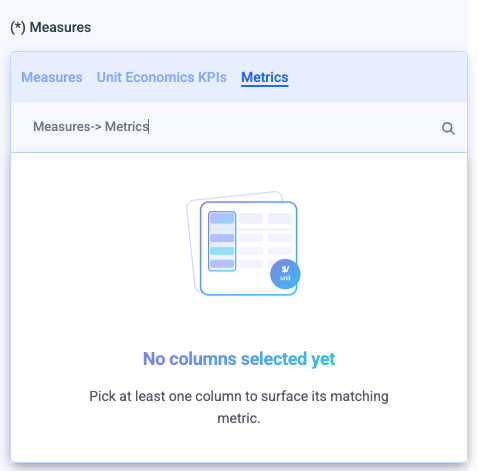
In Assets, telemetry metrics appear under :
- Injected pipeline metrics under Measures-> Metrics selection.
- Composed KPIs under a Measures-> Unit Economics KPIs selection.
Custom dimensions
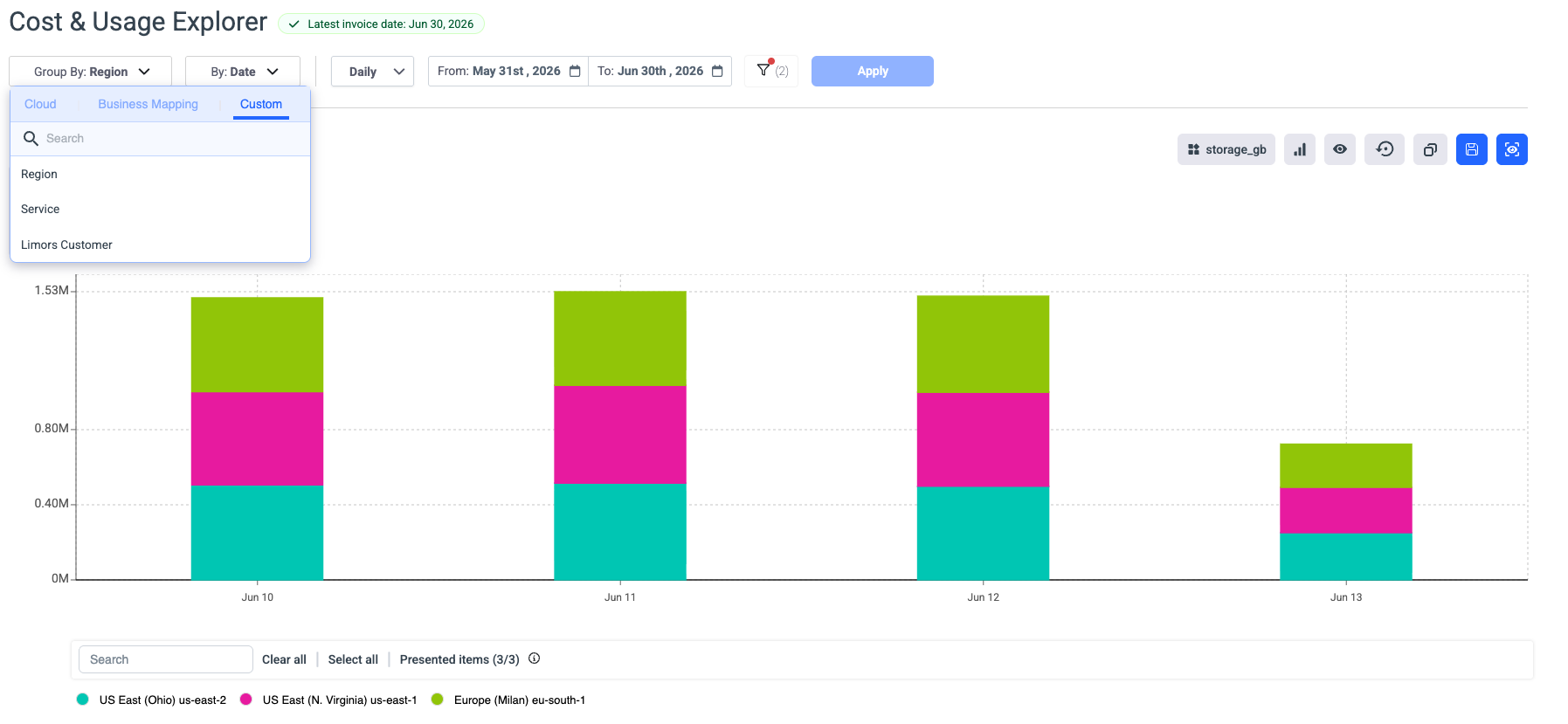
list of measre/KPis is corresponding to the selected dimension in the group by
Updated 2 months ago
Did this page help you?