
KPI Builder
Overview
A KPI combines measures into a single metric - most often a cost measure divided by a usage or business measure, such as Amortized Cost ÷ API Requests. You build KPIs on the KPI Builder tab of Unit Economics.
The KPI Builder lists existing KPIs with their providers, source pipeline, output format, and formula. Use the All / Customer KPIs / MSP KPIs / Umbrella KPIs filter to switch between your KPIs (Customer KPIs), Your MSP template KPIs (MSP KPIs) and Umbrella's out-of-the-box set.
KPIs can be created at the cloud account, All Accounts, and Multi-Cloud levels.
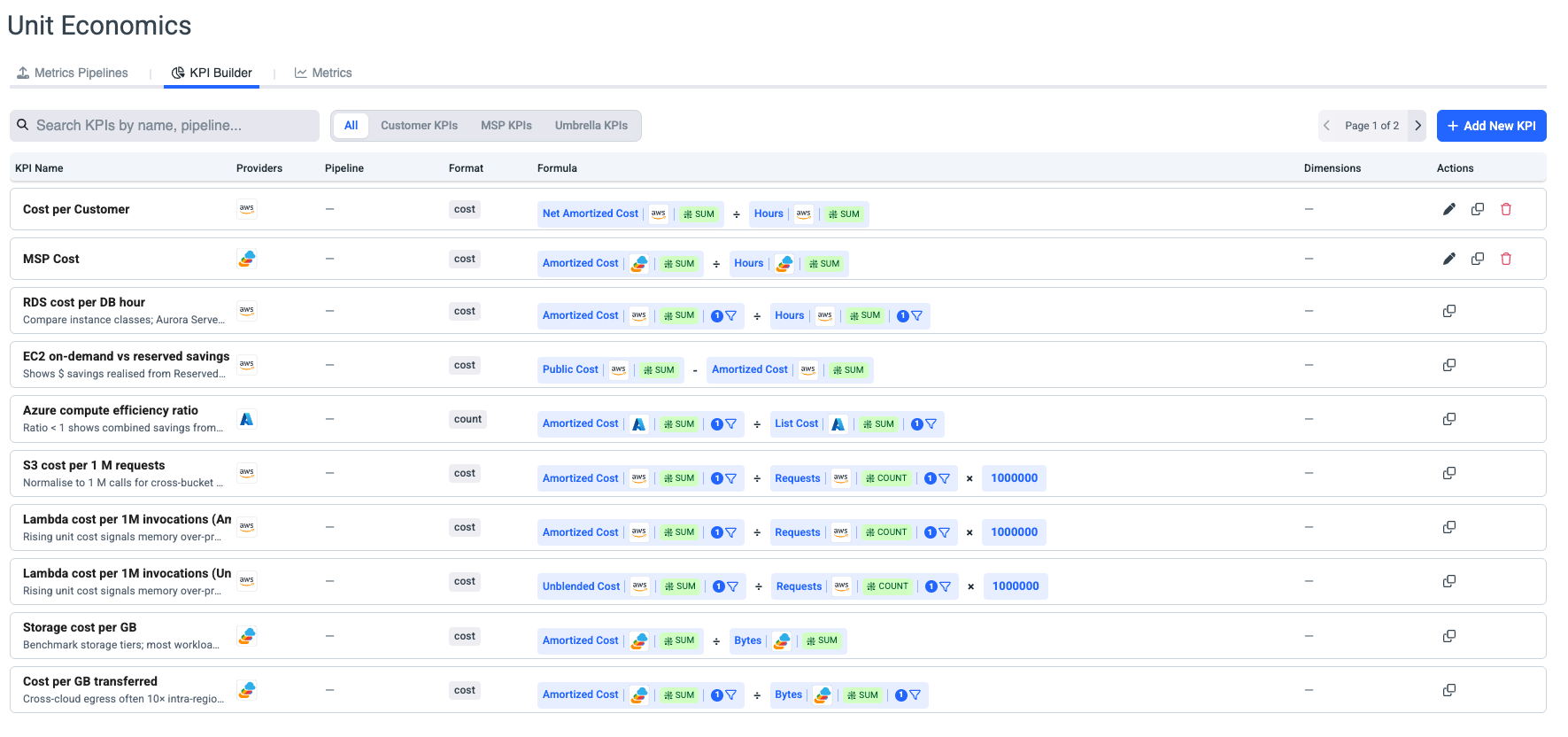
KPIs Filtering
All: Displays all KPIs configured in your organization, including Umbrella out-of-the-box KPIs.
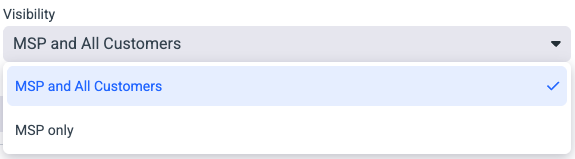
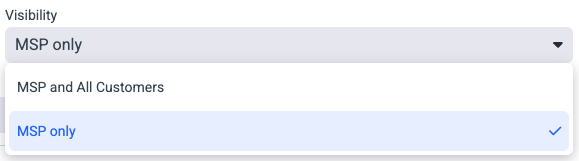
Customer KPIs: KPIs created by the MSP as templates for themselves and their customers, using visibility settings.
MSP KPIs: KPIs created by the MSP for internal visibility only, using visibility settings.
Umbrella KPIs: Out-of-the-box cloud-based KPIs provided by Umbrella.
Create KPIs
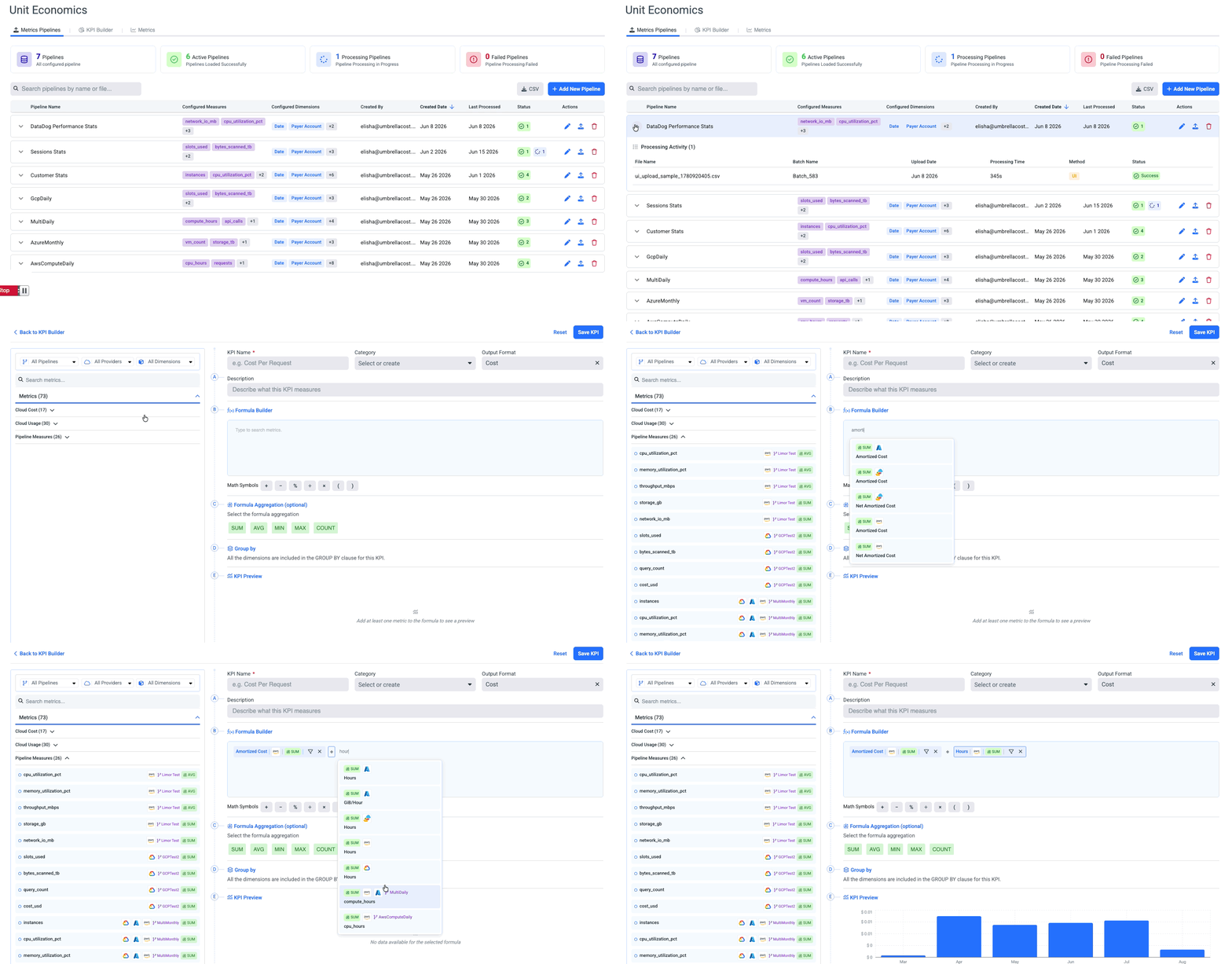
- On the KPI Builder tab, click + Add New KPI.
- Enter a KPI Name, choose or create a Category, and set the Output Format (e.g. Cost, count, bytes).
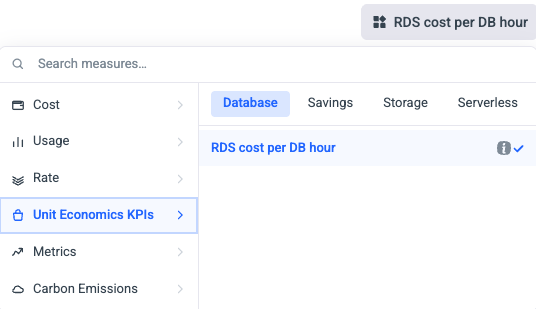
- In the Formula Builder, search for and add measures from the metric library on the left - grouped into Cloud Cost, Cloud Usage, and Pipeline Measures.
- Combine measures using the math symbols: +, −, ×, ÷, ( ), and %.
- Optionally set a Formula Aggregation - SUM, AVG, MIN, MAX, or COUNT.
- Optionally set a Category
Category is used to create different folders in Cost & Usage Explorer that organize your created KPIs.
-
Under Group by, choose the dimensions to include (for example, Date, Payer Account, Service).
-
Check the KPI Preview, then click Save KPI.
Tip - express a KPI as a percentageMultiply the result by 100, and set a free-text unit such as
%,$,GB,hrs, orusers.
ExamplesLambda cost per 1M invocations =
Unblended Cost ÷ Requests × 1,000,000
EC2 on-demand vs. reserved savings =Public Cost − Amortized Cost
Measures you can use
- Cost - AWS: Amortized, Net Amortized, Unblended, Net Unblended, Public Cost, Distributed · Azure: Amortized, Unblended, Public Cost · GCP: Cost
- Usage - Hours, Requests, Bytes, Resource Quantity, Other
- Telemetry (ingested) - your business measures (revenue, users, transactions) and usage measures (CPU, memory, network)
Using the KPIs
Edits to an ad-hoc KPI apply to historical data as well.
MSP KPIs
Next stepAnalyze your KPI in CUE & Assets, or use it to allocate shared cost.
Updated 3 months ago