
AWS Unified Cloud and K8s Cost & Usage
The Cost & Usage page now includes both your Cloud and K8s data in one unified interface.
In addition to existing capabilities, several new and enhanced features are now available.
🟣 New Capabilities
1. Grouping and Filtering
- You can now filter and group by any field - from either Cloud, K8s, or both for advanced analysis.
- Example: Filter by a specific K8s Node and group by Purchase Option to see whether it’s covered by any commitment.
- For easier selection, each value appears under the relevant tab with a search bar for quick access.
- Note: If you would like to explore only K8s data, click on the Checkbox in the filters view.

2. Usage Measurement
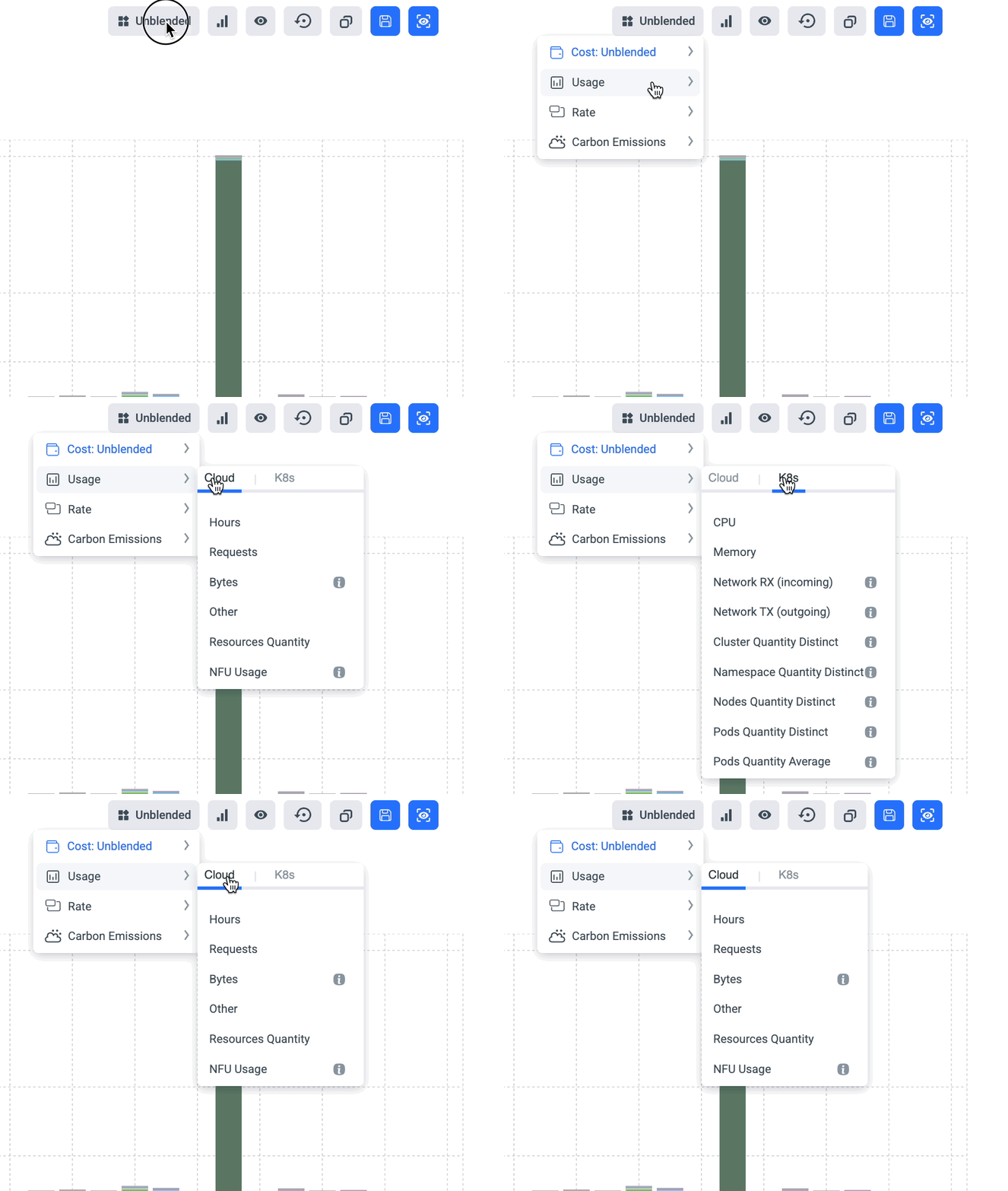
- We added more Usage Measurements for complex analysis.
- Note:
- If you group/filter by Cloud fields, K8s usage metrics will not be available.
- If you group/filter by K8s fields, Cloud usage metrics will not be available.
3. Allocate K8s Waste Cost
- Distribute unused node-level costs among the pods of each node, proportional to each pod’s actual usage.
- Ensures each cost is attributed to an actual namespace for accurate accounting.
Note: Available only when grouping by Namespace or Workload Type.

4. K8s Breakdown
- Gain detailed visibility into your K8s costs and usage across all layers - from Cluster to Pod.
- Optionally display only records with a minimum compute waste cost.
- The breakdown automatically reflects your filters and cost measurement selections.
- Example: If you filter for items covered by Savings Plans and choose Amortized Cost, while grouping by Nodes, the view will display only nodes under Savings Plans with their amortized costs.

🟣 Existing Capabilities (Still Available)
All existing Cost & Usage functionalities remain available, including:
- Custom Drilling
- Custom Views (Line Chart, Table View, Trendline, etc.)
- Rate Analysis
- Goals
- Share URLs
- Saved Views
- Add to Dashboard
- Define Events
🟣 Field Changes & Improvements
1. K8s Pod Names
- Old Behavior: Displayed as namespace:pod_name
- New Behavior: Now shows clean pod names without the namespace prefix.
2. Cost Type Classification
- Old Field: “K8s Cost Type” with basic fields.
- New Field: “K8s Resource Type” with more values for clearer classification:
- CPU
- Memory
- Storage
- Network RX
- Network TX
- Not Available

3. Waste & Usage Allocation
-
Old Behavior: Waste and Actual Usage classification when using CPU/Memory Usage Mesurment.
-
New Behavior: Introduced a dedicated field: “K8s Allocation Status”.
Available in filters & grouping with categories:
- Actual Usage: Portion that was in actual usage of a pod
- Pod Level Waste: Portion that was reserved by a pod’s request value, but not used.
- Node Level Waste: Portion in the node that wasn’t used nor reserved by any pod.
- Not Available: No relevant usage data is available for this portion (either irrelevant, or usage metrics are unavailable).

4. Improved Storage Cost Allocation Accuracy
The total K8s storage costs may differ between the old and new (unified) implementations because they use different methods to allocate costs to K8s pods.
In most cases, the costs are well aligned. However, where there are gaps between the old and the new implementations, comparing the total daily costs of all the identified volumes from the usage metrics collected, we see 100% alignment with the total K8s storage costs. Any deviations appear only in the old version.
5. K8s/Cloud Toggle
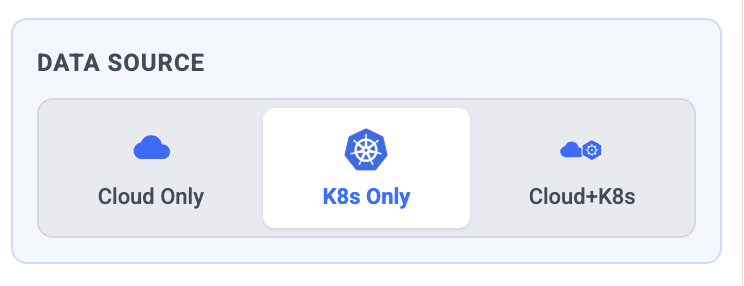
Filtering K8s only/K8s+Cloud/Cloud Only
Updated 29 days ago